
Zero impressions, rejected ads, failed uploads, blocked bots and delivery that drops for no reason. Every check OpenAI lists, in the order that solves most accounts fastest.
On this page
- Start here
- My ad was rejected
- My images will not upload
- My campaign is live but getting zero impressions
- My reporting does not match what I expected
- My bulk upload had errors
- My product feed's Products tab is empty
- I cannot get into Ads Manager
- I cannot create an ad account
- Conversions are missing
- Common mistakes that look like "ads not showing"
- Why was I billed for spend that does not match the dashboard
- UAE specifics
- When to contact OpenAI support
- Quick answers
Start here
Work down this list in order. The early items cause most of the problems we see described, and each one is a fast check before you touch bids or budgets. If the question is spend rather than delivery, see what ChatGPT ads cost in AED.
Has it been 24 hours?
For a newly launched campaign with no confirmed delivery and no clear blocker, OpenAI asks for at least 24 hours after launch before reporting a zero delivery issue. Impressions, clicks and CTR refresh about every 15 minutes once ads deliver, while spend can lag about 7 to 8 hours. If you see a hard error or a clear billing or review blocker, contact support without waiting. Do not judge a campaign from its first evening.
Are the logo and Brand Name complete?
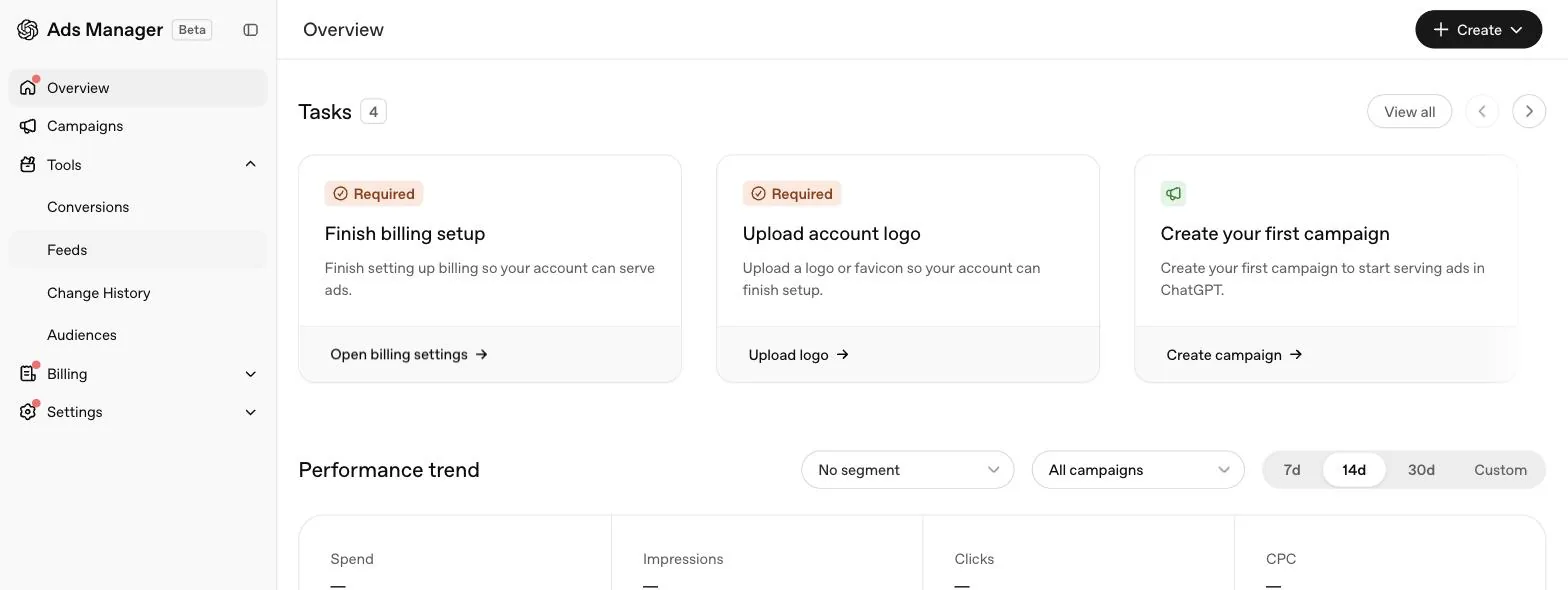
Settings, then General. OpenAI lists confirming your logo and names among the steps to finish before campaigns start delivering, since the Brand Name is the public name shown alongside your ads. A Brand Name change triggers brand review and pauses ad serving until the new name is approved.
Is billing complete?
A billing profile and a valid payment method are both required before any delivery starts. See our billing guide.
Is account verification finished?
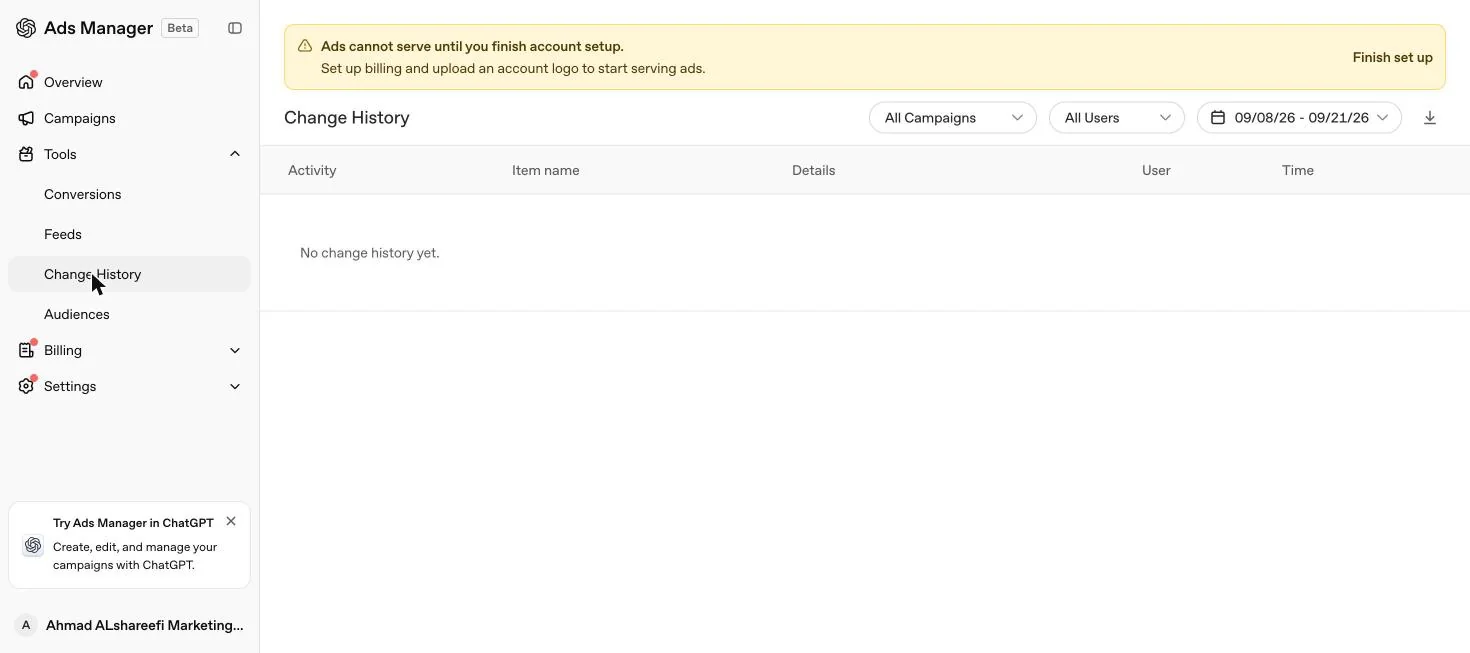
Ads may not serve until the account is verified, and Ads Manager shows a banner if this step is needed. OpenAI says the review may take up to 7 business days and to contact Ads Support if it takes longer. Verification, account approval, ad review and delivery are separate checks, so passing one does not mean the others are done, and an ad destination on a different website domain can require verification to be approved before the ad can be saved.
Are the campaign and ads active, reviewed and inside their dates?
A delivering ad shows a Serving status. Today must fall within the campaign's start and end dates.
Is the budget at or above the minimum, and does it have allowance left?
AED 65 a day for dirham accounts, and at least as high as your highest effective bid on fixed bidding. Check both today's spend and the current budget week, which runs Sunday to Saturday in the account's time zone.
Is the bid competitive?
Check the bid strength guidance in Ads Manager. See our bidding strategies guide.
My ad was rejected
In the Ads tab, look at Status. If it says Not serving, hover to read the reason OpenAI gives.
| Cause OpenAI names | Fix |
|---|---|
| Copy or landing page does not align with ads policies | Rewrite claims you cannot support, match the page to the ad, remove disallowed content. See our policies guide |
| Landing page blocks OpenAI user agents or IP addresses | Allow OAI-AdsBot and OAI-SearchBot in robots.txt, your firewall and any bot protection service |
The second cause is common on UAE sites sitting behind aggressive bot protection. Check your Cloudflare or hosting firewall rules and any WAF product, not only robots.txt, since a firewall can block a crawler that robots.txt happily allows. Our guide to OpenAI's web crawlers covers exactly what to allowlist. You can edit the ad and resubmit for review, or request another review if you believe the rejection was made in error.
My images will not upload
| Requirement | Detail |
|---|---|
| Format | PNG or JPG |
| Shape | Square |
| Size | No larger than 1200 by 1200 pixels |
| Access | Public, opening directly to the image |
| Hosting OpenAI accepts | Public Google Drive links, AWS S3 or CloudFront, your own domain or CDN |
A link that opens a preview page or asks for sign in will fail, even if the image itself is technically reachable once a human logs in. Test the exact URL in a private browser window with no session logged in; that is the closest simulation of what OpenAI's system sees.
My campaign is live but getting zero impressions
Beyond the checklist above, OpenAI lists several deeper causes once the basics are confirmed.
- Daily budget already used. Review spend for both today and the current seven day period. Using the weekly allowance early in the week can stop delivery for the rest of it, even while the campaign shows as active.
- Campaign total budget ahead of pace. Delivery can slow deliberately to preserve budget for later in the schedule. Changing the budget or end date recalculates pacing from the remaining spend and time.
- Bid warnings on the ad group. For conversion optimised campaigns, confirm the bid reflects the selected conversion event rather than a plain click. OpenAI notes that bid recommendations are estimates while the Low bid warning uses observed auction performance, so the two can disagree, and raising the bid does not guarantee delivery.
- New account, international targeting. Some new self serve accounts can initially advertise only in their home country. Selecting other countries in the campaign does not override that restriction; the account becomes eligible for wider delivery once identity verification is approved and it has spent enough in its home country first.
- Ordinary platform fluctuation. OpenAI states plainly that ongoing changes to its delivery systems and models during the beta can cause delivery and spend to fluctuate even when nothing in your account changed. If a drop persists with unchanged settings, contact support with your goal, bid, conversion setup and when the drop began.
My reporting does not match what I expected
Before assuming a tracking bug, rule out a comparison mismatch first.
- Confirm you are comparing the same ad account, and that the campaigns and activity match what you intend to review, including paused ads if you are looking at an earlier period.
- Confirm the filters, date range and time zone match across whatever you are comparing, whether that is the Ads Manager table, a CSV export or a chart.
- For conversion discrepancies, check which conversion events and attribution windows each view includes, and whether conversions are counted against the date of the ad interaction or the date the conversion actually happened. The two approaches can produce different daily totals for the same underlying data.
- For unexpected country delivery, review the campaign's selected locations and any exclusions, including changes made mid period. Selecting all countries and excluding a few can still allow delivery in every other eligible country. OpenAI's own example is United States only targeting: select the country explicitly rather than relying on exclusions.
My bulk upload had errors
Read the error message first; OpenAI says it typically identifies the exact issue. Compare the file against the bulk upload guide and its campaign structure checklist, then check the row level results rather than only the top line pass or fail. Processing can finish even when individual rows fail. One trap OpenAI calls out specifically: a successful upload with blank ad_id values creates new ads, so resubmitting the same rows without filling in the ad_id can duplicate ads you already created.
My product feed's Products tab is empty
If you are running a product feed campaign, the Products tab is a reporting view, not a full catalogue listing. OpenAI states products appear only after an active product feed campaign has delivered and generated reporting data. An empty or incomplete tab is expected if the campaign has not started, has a future start date, or has not delivered yet. During ad group setup, confirm the correct feed is selected and check how many products are passing your filters, then allow up to seven hours after delivery begins for product rows to appear for the first time.
I cannot get into Ads Manager
Confirm you are signed in with the OpenAI account tied to the correct organisation, and that you have been granted access to the right ad account. Being a member of the organisation does not by itself give you the Admin role needed to finish account setup. Ask an existing Admin to update your role in the Users tab.
I cannot create an ad account
If your company already has an OpenAI tenant, an IT admin must assign you the Ads Admin role at admin.openai.com, under Users, your profile, Direct roles. Also check the ceiling: once you belong to 10 or more ad accounts, whether you created them or were invited, you cannot create another one yourself, though you can still be invited into existing accounts beyond that number. See our account setup guide for the full onboarding flow.
Conversions are missing
Allow 24 to 48 hours before troubleshooting. Then check that the pixel fires on the real event, that the oppref click reference survives your redirects, and that the event you send matches the conversion event configured on the campaign. The full method is in the conversion tracking guide.
Common mistakes that look like "ads not showing"
Why was I billed for spend that does not match the dashboard
Billing information and Ads Manager reporting update on different clocks. Spend accrues as ads deliver. Impressions, clicks and CTR typically refresh about every 15 minutes, while spend insights may be delayed about 7 to 8 hours, and CPC and CPM depend on settled spend and update later. A recent invoice or card charge may therefore include spend that is not yet visible in your dashboard. The card is charged when the account reaches its payment threshold, or at month end for any remaining balance, as covered in our billing guide. Allow reporting to update first, confirm you are comparing the same account, campaigns, date range and time zone, and only then treat it as a genuine discrepancy.
UAE specifics
Two UAE specific causes come up more than any others in our own account work. First, a Cloudflare or hosting firewall that blocks unfamiliar bots by default, which silently blocks OAI-AdsBot and OAI-SearchBot along with everything else it does not recognise; check your firewall rules, not only robots.txt. Second, the home country restriction on new self serve accounts, which can make a UAE advertiser's attempt to launch straight into Saudi Arabia or wider Gulf targeting appear to do nothing, when the account is simply not eligible for that geography yet. Build your first campaign for the UAE alone, hit the verification and spend requirements OpenAI sets, then expand.
When to contact OpenAI support
After working through the checks above, email [email protected] or use the support widget at the bottom right of OpenAI's Help Center. OpenAI asks for the account name, the exact error message or a screenshot, the ad title and landing URL for a rejection, and the date, time and time zone of the attempt. If the issue looks broader than one campaign, say so clearly and give a few concrete examples rather than a general statement that the platform is down. It also says never to include passwords or card details in a support request.
Quick answers
How long should I wait before worrying about zero impressions?
For a newly launched campaign with no confirmed delivery and no clear blocker, OpenAI says to allow at least 24 hours after launch before reporting a zero delivery issue. Once ads are delivering, impressions, clicks and CTR refresh about every 15 minutes, while spend can be delayed about 7 to 8 hours. If you see a hard error or a clear billing or review blocker, OpenAI says to contact support without waiting.
Why was my ad rejected?
OpenAI lists two common causes: ad copy or landing pages that do not align with its ads policies, and landing pages that block OpenAI's user agents or IP addresses. Hover over a Not serving status in the Ads tab to see the reason.
Why will my image not upload?
Images must be PNG or JPG, square, no larger than 1200 by 1200 pixels, publicly accessible and must open directly to the image, not a preview page or a sign in page.
I cannot create an ad account. Why?
If your company already has an OpenAI tenant, an admin must grant you the Ads Admin role in the OpenAI admin console. There is also a ceiling: once you belong to 10 or more ad accounts, created or joined, you cannot create another yourself.
Why can I only target the UAE and not Saudi Arabia yet?
OpenAI restricts some new self serve accounts to their home country until identity verification is approved and the account has spent enough there. Selecting other countries in the campaign does not override this.
My delivery dropped even though I changed nothing. Why?
OpenAI states that ongoing changes to its delivery systems and models during the beta can cause delivery and spend to fluctuate on their own, separate from anything in your account.
Why does my dashboard not match what I was invoiced?
Impressions, clicks and CTR refresh about every 15 minutes, but OpenAI says spend insights may be delayed about 7 to 8 hours, so a recent charge can include spend not yet visible on the dashboard. Confirm you are comparing the same account, campaigns, date range and time zone before assuming an error.
Related
Account setup
How sign up works in OpenAI Ads Manager today, what a UAE business should prepare, what the Beta looks like once access is granted, and why campaigns still don't serve.
Billing and payments
ChatGPT ads bill after delivery. How payment thresholds trigger card charges, why a temporary hold appears, the two budget types and what self serve accounts cannot cap.
Reporting and attribution
Every metric in OpenAI Ads Manager, how click and view conversions are counted, the 7, 14 and 30 day windows, reporting lag and how to export daily data.
OpenAI crawlers and robots.txt
Which OpenAI crawlers ChatGPT ads needs, the exact robots.txt lines OpenAI publishes, and how to fix firewall, CDN and bot protection blocks step by step.